Platforms
WordPress, Wix or Elementor: which is right for your business website?
The platform you choose decides how much your site can grow, what it costs to run and how easy it is to update. Here's a plain-English comparison.
Onjoko Tunde
· 2 min read
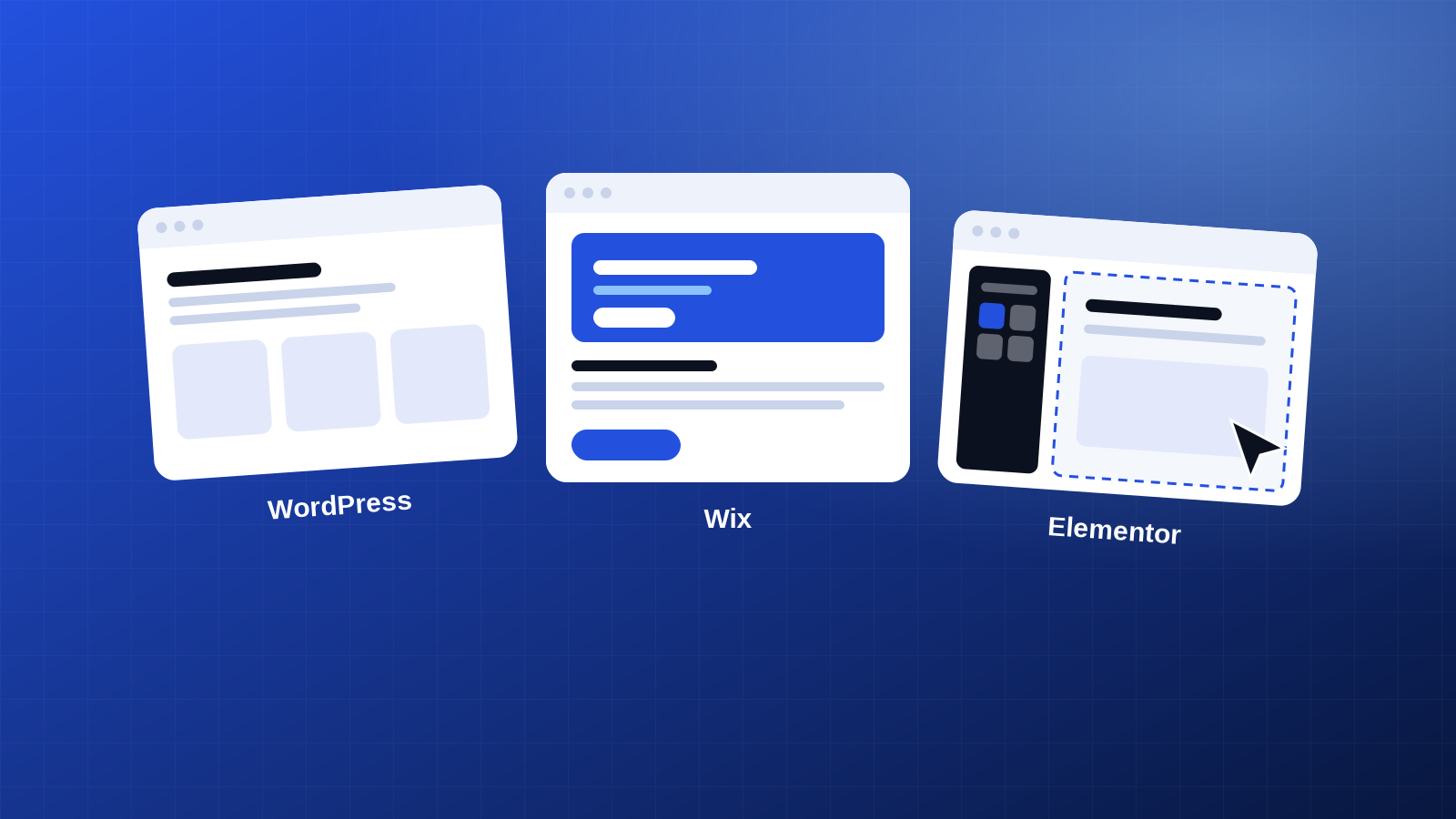
One of the first questions I hear from new clients is which platform their website should be built on. There's no single right answer, but there is usually a right answer for your business. It depends on what the site needs to do, who will update it and how much you expect it to grow.
First, what these names actually mean
- WordPress is a free, open-source content management system. You install it on hosting you pay for, and you can extend it with thousands of themes and plugins.
- Elementor isn't a separate platform. It's a popular page builder plugin for WordPress that lets you design pages visually by dragging and dropping.
- Wix is an all-in-one website builder. Hosting, security and updates are included in your subscription, and you edit everything in Wix's own editor.
- WooCommerce is the ecommerce plugin for WordPress, used when a WordPress site needs to sell products.
When WordPress (with Elementor) is the better choice
WordPress suits businesses that expect their website to grow: more pages, a blog, booking systems, multiple languages or an online shop. Because you own the files and the hosting, you can move the site to a different host or developer at any time.
- You want full control over design, structure and SEO settings.
- You plan to add features later, such as bookings, memberships or ecommerce.
- You want to own your site outright and be free to move it.
The trade-off is maintenance. WordPress, its theme and its plugins need regular updates and backups to stay secure. Many businesses handle this with a managed hosting plan or a small monthly care plan.
When Wix is the better choice
Wix is a good fit when you want a professional site with as little technical upkeep as possible. Hosting and security are handled for you, and the editor is easy for non-technical owners to use.
- You need a smaller site, such as a service business, clinic or personal brand.
- You want to make simple updates yourself without worrying about plugins.
- You prefer one predictable subscription over separate hosting and maintenance.
The trade-off is flexibility. You're working within Wix's tools, and a Wix site can't simply be exported and moved to another platform; switching later usually means rebuilding.
A quick way to decide
- List what the site must do in the next two to three years, not just at launch.
- Decide who will update it, and how comfortable they are with technology.
- Weigh ownership and flexibility (WordPress) against simplicity and low upkeep (Wix).
If you're still unsure, that's exactly what a discovery call is for. I build on both, so my recommendation is based on your business, not on the one tool I happen to know.