Planning
How to plan your website pages before you hire a designer
A simple page plan saves time, money and revisions. Here's how to map your site, give each page one job and know what to include.
Onjoko Tunde
· 3 min read
Most website projects that drag on do so for one reason: nobody decided what pages the site needed before the design started. Pages get added halfway through, content gets moved around, and the designer redoes work that was already finished.
You don't need to be technical to fix this. A one-page plan of your site, written before you speak to a designer, makes the whole project faster and the quotes you receive far more accurate.
Start with what the website is for
Before you list a single page, write down the main thing you want visitors to do. For most service businesses it's one of these: call, book, request a quote or fill in an enquiry form. For a shop, it's buy.
Everything else in your plan should support that one action. If a page doesn't help someone understand you, trust you or contact you, ask whether it needs to exist at all.
Give every page one job
A common mistake is trying to make every page do everything. Instead, decide the single job of each page. The homepage introduces you and points people to the right place. A service page explains one service and asks for an enquiry. The contact page makes getting in touch effortless.
When I plan a site with a client, I write the page name and its job side by side. It sounds simple, but it settles a lot of debates later about what belongs where.
Common page lists by business type
These are starting points, not rules. Use them to check you haven't missed anything obvious.
- Local service business (cleaning, trades, clinics): Home, one page per main service, About, Reviews or Results, Service areas, FAQ, Contact or Book.
- Consultant or coach: Home, Services or Packages, About, Case studies, Blog or Resources, Book a call.
- Online shop: Home, Shop and category pages, product pages, About, Shipping and returns, FAQ, Contact.
- Professional practice (accountants, therapists, law): Home, Services, Team, Who we help, Fees or How it works, Contact.
Notice that each main service usually gets its own page. One long "Services" page is harder to read, and separate pages give you a better chance of appearing in search for each thing you do.
Sketch the structure in plain text
A sitemap is just a list of your pages showing which sit under which. You can write it in a notes app. For example:
- Home
- Services → Deep cleaning, End of tenancy, Office cleaning
- About
- Reviews
- FAQ
- Contact
Try to keep your main menu to around five to seven items. If it's longer, group related pages under one heading. Visitors scan menus quickly, and too many choices make them hesitate.
Note what goes on each page
Under each page name, add a few bullet points about what it needs to say. You don't have to write the final copy yet. Just capture the essentials, such as who the service is for, what's included, how it works and what to do next.
This is also the moment to note what you already have and what you still need. Photos, reviews, team bios, prices and certificates all take longer to gather than people expect.
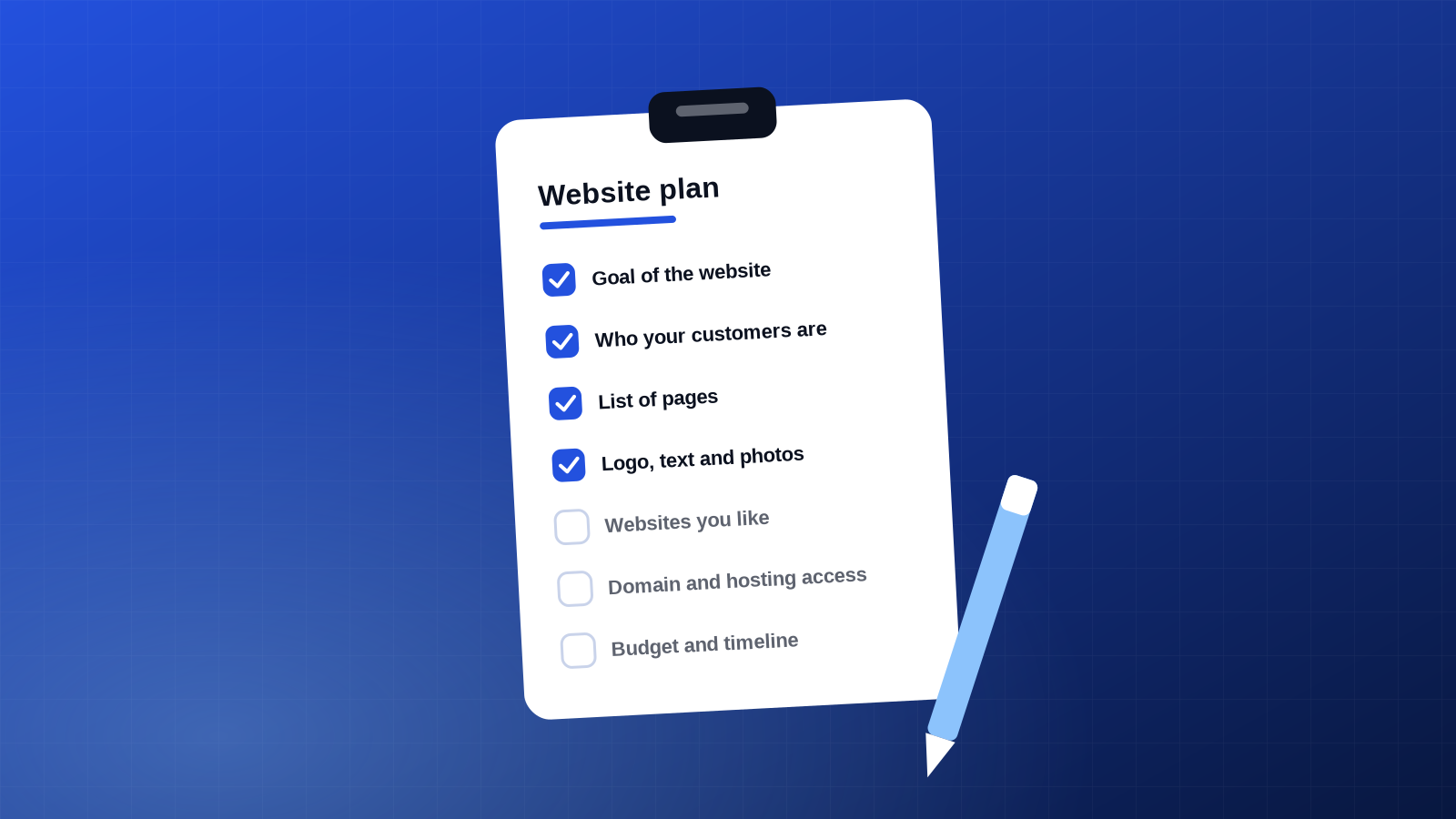
Your page planning checklist
- Write down the one action you want visitors to take.
- List every page and give each one a single job.
- Give each main service its own page.
- Arrange pages into a simple sitemap with a short main menu.
- Add a few bullet points of content for each page.
- Mark which content and photos you have and which you still need.
- Note any features you need, such as online booking, payments or a client login.
What to do with your plan
Send the plan to any designer you're speaking to. It gives them a clear picture of the size of the project, so their quote reflects what you actually need. It also shows them how you think about your business, which leads to better conversations from the start.
Don't worry if the plan isn't perfect. A good designer will suggest changes, and that's a normal part of the process. The point is to start from something concrete instead of a blank page.
If you'd like a second pair of eyes on your page plan, or help turning it into a website, feel free to get in touch. I'm happy to talk it through.